
By NaJade · DJ in Bangkok · Published October 20, 2026
This guide is part of how to learn to DJ: the complete guide.
The crowd hears the main speakers. You mix to the ones pointed at your face.
Your first club gig is usually the first time you meet a booth monitor, and it changes how mixing feels. In a bedroom, the sound comes from one place. In a club, the main system is across the room, slightly delayed and bouncing off every wall. The booth monitor is your reference: the clean, on-time signal you actually beatmatch against. Set it up badly and you drift, over-gain and ruin your hearing. Set it up well and the whole set gets easier.
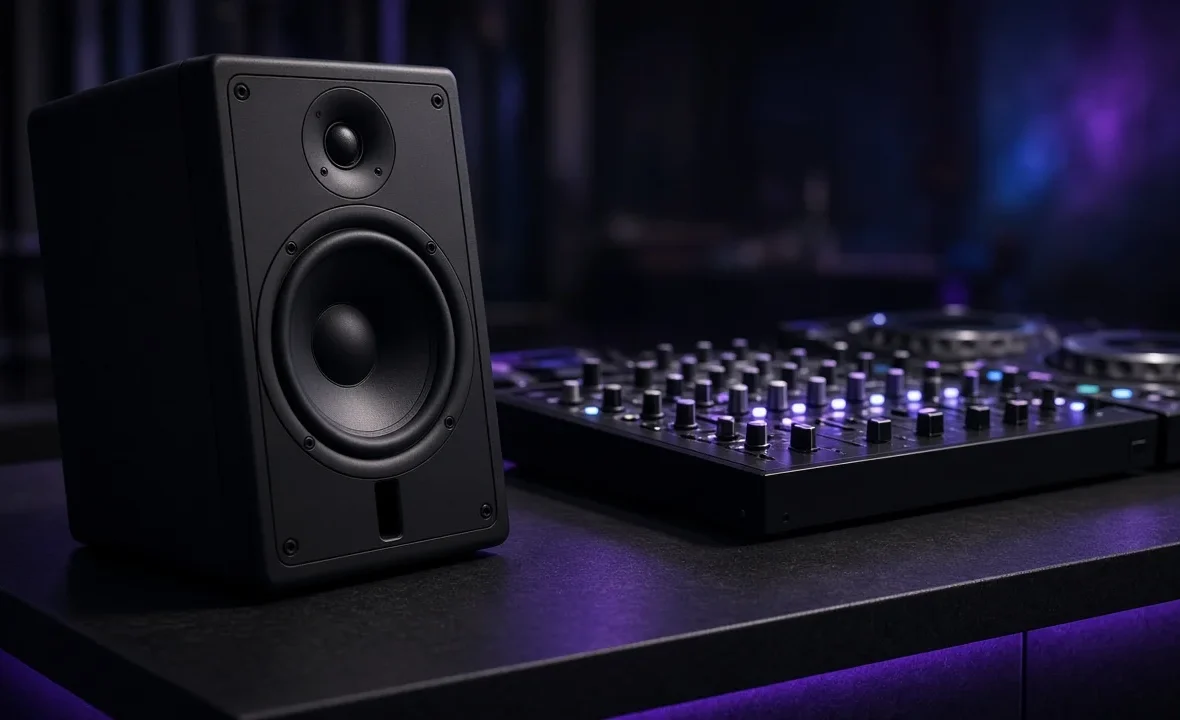
A DJ booth monitor is a speaker aimed at the DJ, fed from the mixer’s booth output, so you hear the mix on time instead of through the delayed main system. Set it just loud enough to beatmatch with one ear in your headphones, angle it at your head, and never chase volume with it.
What a Booth Monitor Actually Does
Sound travels at roughly 343 metres per second. If the main speakers are 15 metres away, what you hear from them arrives around 40 milliseconds late — enough to make a perfectly matched mix sound like it’s flamming. A booth monitor sits a metre or two from you, so the delay disappears. It also cuts through the reflections and bass build-up that turn a busy dancefloor into mush.
Almost every club mixer has a dedicated booth output with its own level knob, separate from the master. On many mixers — including the Pioneer DJ and AlphaTheta models covered in our DJ mixers guide — that output also has its own EQ. If you’re new to the hardware, how to use a DJ mixer covers where everything lives, and Wikipedia’s overview of the DJ mixer explains the signal path.
Setting Up Before Your Set
- Arrive early and listen to the DJ before you. Notice where the booth level sits and whether it’s already too loud.
- Check the angle. Monitors should point at head height, not at your stomach or past your shoulder. Tweeters carry the detail you need, and they’re very directional.
- Find the booth knob, not the master. Ask the resident or sound engineer which knob is which if it isn’t labelled. Touching the master by mistake is the fastest way to annoy a venue.
- Get your gain right first. Channel meters sitting in the green-to-amber zone mean the monitor isn’t being fed a distorted signal. See gain staging for DJs.
- Do a quick headphone-plus-monitor check on your first transition before the room fills up.
How Loud Should the Booth Monitor Be?
Quieter than you think. The goal is clarity, not impact. A good rule: you should be able to hear the monitor clearly in your open ear while the other ear is in your headphones, without either one hurting. If you need to shout to the person next to you, it’s too loud.
| Symptom | Likely cause | Fix |
|---|---|---|
| Mix sounds like it’s flamming | Hearing the main system, not the monitor | Bring the booth level up slightly or move closer |
| Ears ringing after 30 minutes | Monitor far too loud | Turn it down; use earplugs |
| Headphones turned up to max | Monitor drowning the cue | Lower the monitor, not raise the cans |
| Bass booming, hi-hats lost | Corner placement or booth EQ | Trim the booth low end, check the angle |
| Feedback from the mic | Monitor pointed at the microphone | Re-angle it, keep the mic behind the speaker |
The volume creep is real: every DJ nudges the booth up a little, and by 2am it’s punishing. Start your set by turning it down. Your ears last a whole career only if you protect them — read DJ hearing protection before your next gig.
Cueing With Headphones and Monitors Together
The standard club technique is one ear on, one ear off. The headphone ear hears the incoming track; the open ear hears the live mix from the monitor. Your brain compares the two kicks. When they line up, you’re matched. If your mixer has a cue/master blend knob, you can also bring some master into the headphones and work fully on cans, which helps in a booth with poor monitors.
- Swap ears occasionally to spread the fatigue.
- Keep headphone volume moderate. If the cans are louder than the monitor, you’ve lost your reference.
- Trust the monitor over the room when the two disagree. The room is always late.
For the fundamentals of the headphone side, see how to cue in DJ headphones.
When the Booth Has No Monitor
It happens at rooftop bars, pop-ups and plenty of weddings. Your options: use the cue/master blend to hear the mix in your headphones, rely on the waveforms and BPM display more than usual, or stand in the spot where the main speakers reach you most directly. Digital DJ Tips has a good breakdown of what to do when there aren’t any monitors. If you play the same venue often, it’s fair to add a monitor to your DJ rider.
A Note From NaJade
The first time I played a proper club in Bangkok, I turned the booth monitor up because it felt exciting. Twenty minutes later I couldn’t hear my headphones, so I turned those up too. By the end I was mixing on adrenaline and guesswork, and my ears rang until the next afternoon. The resident told me afterwards, kindly, that the booth should sound like a good home stereo, not like the dancefloor. I still think about that every time I walk into a booth. Now the first thing I do is turn the monitor down a notch, angle it at my head, and put earplugs in. The mixes are tighter, and I’m not exhausted by midnight.
Related: how to use CDJs, DJ booth etiquette, gain staging for DJs, and how to beatmatch.
Frequently Asked Questions
What is a DJ booth monitor?
How loud should booth monitors be?
Why does my mix sound out of time in the club?
Where should a DJ booth monitor be placed?
Can you DJ without a booth monitor?
Is the booth output the same as the master output?
About the Author
NaJade is a Bangkok-based DJ playing progressive house, melodic EDM, pop, and Thai music across clubs, rooftops, and weddings in Thailand. He teaches beatmatching and mixing to beginners both in person in Bangkok and online over Zoom. When he’s not behind the decks, he’s documenting the journey on YouTube, Instagram, and TikTok.