
By NaJade · DJ in Bangkok · Published September 28, 2026
This guide is part of DJ software explained: the complete guide.
Completely free, genuinely modern — and the most misunderstood software in DJing, because it’s actually two different things with almost the same name. Let’s clear it up.
Engine DJ is the software ecosystem behind Denon DJ’s standalone gear, and it’s the direct rival to rekordbox. It’s also the platform people get most confused about, for one simple reason: “Engine DJ” refers to two separate pieces of software — a free desktop app for your computer, and an operating system that runs inside the hardware. Understanding that split explains almost everything about how Denon gear works, why the desktop app costs nothing, and why some features you read about aren’t where you expect. If you own or are considering a Prime 4+, an SC Live, or an SC6000, this is your software. Here’s the honest guide.
Engine DJ is Denon’s ecosystem and comes in two parts: Engine DJ Desktop (free library-prep software for Mac/PC) and Engine OS (the operating system inside Denon and Numark hardware that actually performs). You prep on the desktop, export to a drive, and play laptop-free. It imports rekordbox, Serato, Traktor, and iTunes libraries. The catches: it only works with Denon/Numark/Rane hardware, and beat-grid handling on tempo-shifting edits draws real criticism.
Engine DJ at a Glance
The key facts and what they mean for you:
| Aspect | Engine DJ | What it means for you |
|---|---|---|
| Made by | inMusic (Denon DJ, Numark, Rane) | Built around standalone hardware |
| Two parts | Engine DJ Desktop + Engine OS | The key thing to understand |
| Desktop cost | Completely free | No subscription, ever |
| Desktop job | Analyse, cue, grid, playlist, export to drive | Prep tool — not a performance app |
| Engine OS job | Runs inside the hardware; performs standalone | Where streaming and playback actually live |
| Library imports | rekordbox, Serato, Traktor, iTunes/Apple Music | Switching brands is relatively painless |
| Stems | Pre-rendered on desktop, played on hardware | Not real-time like Serato/Virtual DJ |
| Hardware | Denon DJ, Numark, Rane only | No third-party controller support |
(Features and version numbers move quickly — check the official Engine DJ site for the current release before relying on any specific feature.)
Desktop vs OS: The Confusion, Cleared Up
This single point causes more confusion than anything else in Denon’s world, and even Engine’s own marketing blurs it. Here’s the plain version:
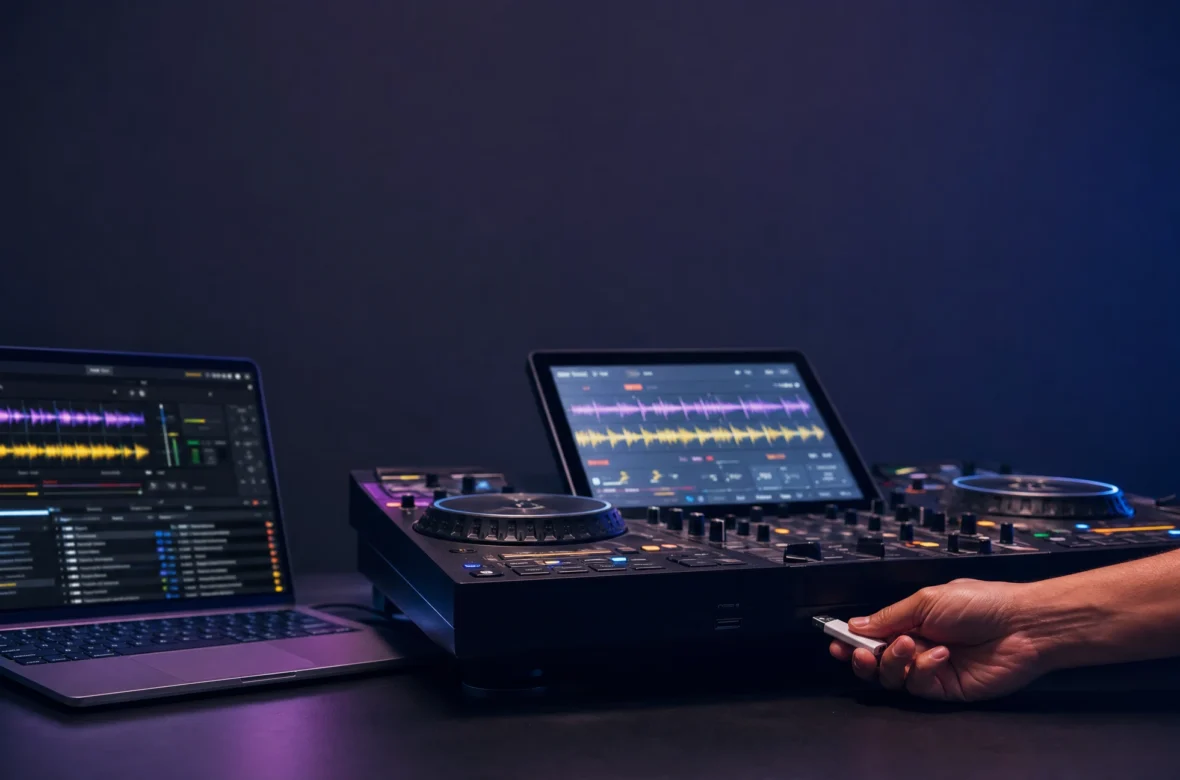
- Engine DJ Desktop is a free Mac/Windows app. Its job is preparation: import your music, analyse it, set beat grids, hot cues and loops, build playlists and crates, pre-render Stems, then export everything to a USB drive or SD card. It’s not designed as a performance app with a controller.
- Engine OS is the operating system that lives inside the hardware — your Prime 4+, SC Live, or SC6000. It’s what you actually perform on, and it’s where features like Wi-Fi streaming (Apple Music, Amazon Music, TIDAL, Beatport, SoundCloud GO+) and onboard analysis live.
So when you read that “Engine DJ supports streaming,” that’s the hardware, not the desktop app. And because performance happens on gear you’ve already bought, the desktop software is free — you’re paying for it in the hardware price. That’s the whole model.
What’s Great About Engine DJ
It’s Free, With No Tiers or Traps
In a market drifting toward subscriptions, Engine DJ Desktop being completely free is genuinely refreshing. There’s no tier chart to decode, no feature paywall, no monthly fee — you buy the hardware and the prep software is simply included. For DJs tired of rekordbox’s plan matrix or Serato’s licence maths, that simplicity is a real quality-of-life win.
A Clean, Modern Interface
Reviewers repeatedly single out the interface as Engine’s strongest suit: clean, uncluttered, logically laid out, with big readable controls — a breath of fresh air next to the denser layouts of older rivals. Recent versions added a refreshed look plus useful workflow features like an improved search bar that toggles between your whole collection and the current playlist, an expandable track list showing full waveform overviews with cues and loops, Deck Swap for moving a track to the opposite deck, and a Trainspotting mode that hides track info if you’d rather not broadcast your exclusives.
It Imports Everyone Else’s Libraries
This is Engine’s smartest strategic move and a genuine practical gift: it can import collections from rekordbox, Serato, Traktor, and iTunes/Apple Music, bringing playlists, cues, and loops across. There’s full Dropbox integration too. For a DJ switching from Pioneer to Denon, that turns a nightmare migration into an afternoon’s work — and it’s a big reason Denon’s hardware value proposition actually holds up.
What to Watch Out For
- Beat grids on tempo-shifting tracks draw real criticism. The most serious complaint, and one to take seriously if it applies to you: DJs using transition tracks, wordplay edits, slams, or anything that shifts tempo or breaks out of a straight 4-bar loop report that Engine handles them poorly. Open-format and wedding DJs who live on edits should test this carefully before committing.
- Hardware support is narrow. Engine only runs on inMusic gear — Denon DJ, Numark, and Rane. There’s no third-party controller support at all, unlike Serato or Virtual DJ.
- The desktop app alone isn’t a DJ platform. Without Engine hardware, it’s essentially a library manager. You can’t use it as a laptop performance app the way you would Serato.
- Stems are pre-rendered, not real-time. You render them in the desktop app first and export — more planning than Serato’s or Virtual DJ’s on-the-fly approach.
- Streaming lives on the hardware, not the desktop. Easy to misread from the marketing.
- It’s still maturing. Engine has improved enormously but remains younger than rekordbox and Serato, and some workflow polish lags behind.
Who Engine DJ Is Really For
It’s for owners of Denon DJ or Numark standalone gear — which is to say, if you bought the hardware, this is simply your software, and a good one. It’s especially appealing if you value a clean interface, hate subscriptions, or are migrating a rekordbox/Serato library across to Denon. Skip it if you don’t own compatible hardware (there’s no point), if you’re a laptop-and-controller DJ wanting a performance app (Serato or Virtual DJ), if you need club-standard USB prep (rekordbox), or if your sets lean heavily on tempo-shifting edits and transition tracks.
A Note From NaJade
Engine DJ deserves more credit than it gets, and also more scrutiny in one specific area. The credit: it’s free, it looks and feels genuinely modern, and the fact that it imports rekordbox, Serato, and Traktor libraries removes the single biggest barrier to switching brands — that’s a real gift to DJs, and Denon didn’t have to do it. The scrutiny: the beat-grid complaints around edits and transition tracks aren’t internet noise, they come from working open-format DJs, and if your sets are built on mashups and tempo-shifting edits you should absolutely test that with your own tracks before buying into the ecosystem. For my kind of playing — progressive house, steady tempos, long blends — none of that is an issue at all. So the honest advice: match it to your style. If you’re on Denon gear playing four-to-the-floor, Engine is a pleasure and the price is unbeatable. And whichever platform you land on, put your effort into clean grids and a well-organised library — that’s what actually shows up on the dancefloor.
Compare all five platforms in my complete DJ software guide, or explore the gear it runs on in my complete Denon DJ range guide. Want help setting up your library and workflow? My DJ lessons run in person in Bangkok or online over Zoom.
Frequently Asked Questions About Engine DJ
Is Engine DJ free?
What’s the difference between Engine DJ Desktop and Engine OS?
Can Engine DJ import rekordbox and Serato libraries?
Does Engine DJ work with any DJ controller?
Does Engine DJ have Stems?
Is Engine DJ good for open-format and wedding DJs?
About the Author
NaJade is a Bangkok-based DJ playing progressive house, melodic EDM, pop, and Thai music across clubs, rooftops, and weddings in Thailand. He teaches beatmatching and mixing to beginners both in person in Bangkok and online over Zoom. When he’s not behind the decks, he’s documenting the journey on YouTube, Instagram, and TikTok.