
By NaJade · DJ in Bangkok · Published November 10, 2026
This guide is part of DJ software: the complete guide.
You’re not really choosing software. You’re choosing which hardware family you’ll live with.
Engine DJ and rekordbox both prepare your music — analysing BPM and key, setting beat grids and cues, building playlists — and both put that music onto standalone players. The big difference is whose players. Engine DJ is the system behind Denon DJ, RANE and Numark standalone gear. rekordbox is the system behind Pioneer DJ / AlphaTheta CDJs and XDJs, which still fill most club booths. Everything else follows from that.
Choose rekordbox if you’ll play club CDJs or own Pioneer DJ / AlphaTheta gear. Choose Engine DJ if you own Denon DJ, RANE or Numark standalone hardware and want built-in streaming and a free desktop app. If you play on both, prepare in rekordbox and import that library into Engine DJ Desktop.
Engine DJ vs rekordbox at a Glance
| Engine DJ | rekordbox | |
|---|---|---|
| Made by | inMusic (Denon DJ, RANE, Numark) | AlphaTheta (Pioneer DJ) |
| Main hardware | Denon DJ PRIME and SC series, RANE SYSTEM ONE, Numark Mixstream | CDJ, XDJ, OPUS-QUAD, Pioneer DJ controllers |
| Desktop price | Free download | Free plan, paid plans from $12/month |
| Club booth standard | Less common | Very common |
| Streaming on standalone units | Wide: TIDAL, Beatport, Beatsource, SoundCloud, Dropbox and more | Growing, varies by player |
| Imports other libraries | Yes: rekordbox, Serato, Traktor, Apple Music | Imports iTunes/Apple Music; other DJ apps need third-party tools |
Prices and features change often. Check rekordbox’s plan page and Engine DJ’s streaming page before you buy anything.
Price: Free vs Subscription
Engine DJ Desktop is a free download for Mac and Windows with no subscription step. Its job is library preparation; the performance happens on the hardware.
rekordbox has a free tier, which covers preparing USBs for CDJs and playing with hardware that unlocks the software. Beyond that it uses subscription plans:
| rekordbox plan | Monthly (USD) | Yearly (USD) |
|---|---|---|
| Free | $0 | $0 |
| Core | $12 | $120 |
| Creative | $18 | $180 |
| Professional | $36 | $360 |
Many DJs who only export USBs for clubs never pay at all. The full breakdown is in rekordbox plans and prices.
Hardware and the Club Reality
This is the deciding factor for most people. Engine DJ does not export USBs that CDJs can read, and rekordbox doesn’t run Denon DJ hardware. If you play clubs — in Bangkok or almost anywhere — you’ll usually meet CDJs, so you’ll need a rekordbox-prepared USB regardless. That’s why exporting rekordbox to USB is a basic club skill.
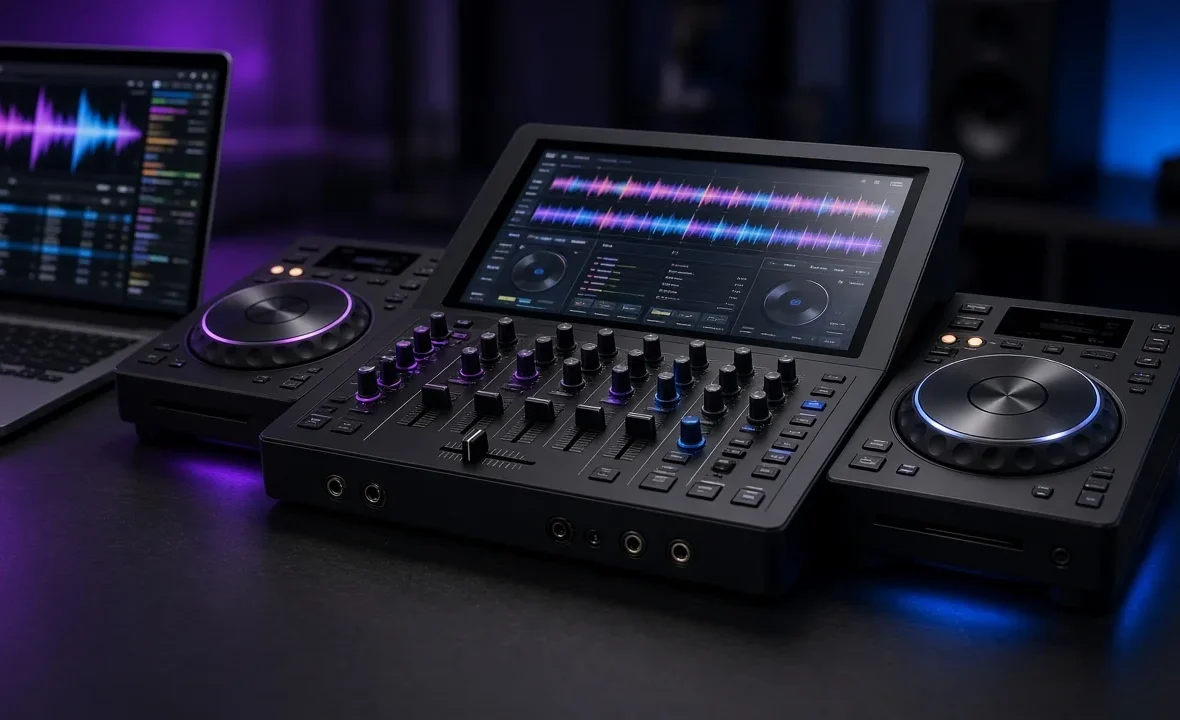
Engine DJ shines on standalone units at home, mobile gigs and smaller venues. Units like the Denon DJ PRIME 4 series are full all-in-one systems with touchscreens and built-in streaming — see the Denon Prime 4 review. For the wider hardware debate, read Denon vs Pioneer.
One newer wrinkle: AlphaTheta’s OneLibrary format is now supported by several other DJ apps, but there’s no sign yet of Engine DJ joining. Digital DJ Tips keeps a running OneLibrary explainer if you want to follow it.
Streaming, Stems and Features
- Streaming: Engine hardware has long led here, with TIDAL, Beatport LINK, Beatsource LINK, SoundCloud, Dropbox, and on some models Apple Music and Amazon Music. rekordbox has been adding streaming logins to compatible players, but support depends on the model.
- Stems: both ecosystems now offer stem separation, but how it works varies by hardware and plan. More in how to DJ with stems.
- Performance mode: rekordbox doubles as full laptop DJ software with controllers. Engine DJ Desktop is mainly for preparation.
- Lighting: both work with SoundSwitch on supported gear.
Moving Your Library Between Them
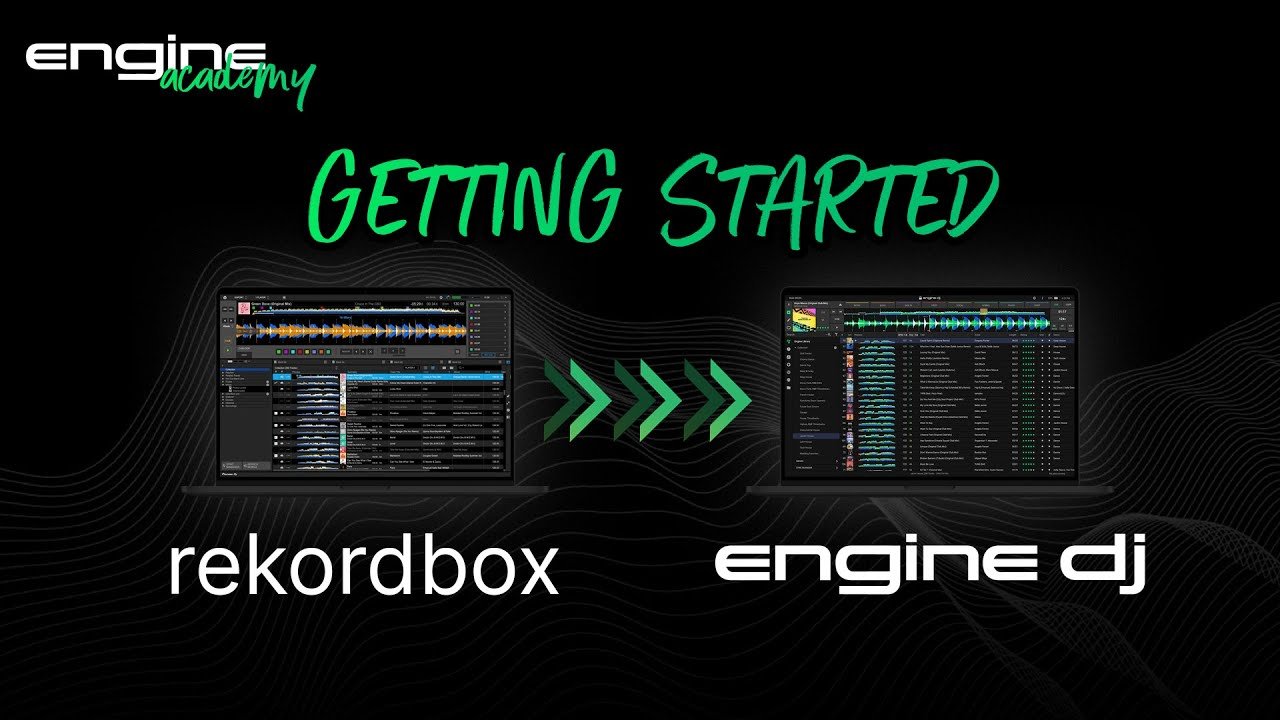
If you prepare in rekordbox, Engine DJ Desktop can import that collection — playlists, hot cues, loops and beat grids — and recent versions added a reimport button to refresh playlists after changes. The other direction is the problem: there’s no official route from Engine DJ back to a CDJ-ready USB. Third-party converters such as Lexicon fill that gap.
So the practical rule for hybrid DJs is simple: rekordbox as the master library, Engine DJ as the import. Full tours of each: the Engine DJ review and the rekordbox review.
A Note From NaJade
Most of my club gigs in Bangkok are on CDJs, so rekordbox is where my library lives. But I’ve played plenty of weddings and private events on Denon gear, and honestly, Engine DJ is a lovely system — the streaming alone has saved me when a guest requested something I didn’t own. What I learned the hard way is to never maintain two libraries by hand. I prepare everything once in rekordbox, then import into Engine when I need it. If you’re just starting, look at what’s in the booths you want to play, buy into that ecosystem, and stop worrying about which software is “better”. The crowd never knows.
Related: Engine DJ review, rekordbox review, Denon vs Pioneer, and the CDJ-3000 review. Official details: enginedj.com.
Frequently Asked Questions
Is Engine DJ better than rekordbox?
Can Engine DJ export to CDJs?
Can I import my rekordbox library into Engine DJ?
Is Engine DJ free?
Which is better for beginners?
Does rekordbox work with Denon DJ gear?
About the Author
NaJade is a Bangkok-based DJ playing progressive house, melodic EDM, pop, and Thai music across clubs, rooftops, and weddings in Thailand. He teaches beatmatching and mixing to beginners both in person in Bangkok and online over Zoom. When he’s not behind the decks, he’s documenting the journey on YouTube, Instagram, and TikTok.