
By NaJade · DJ in Bangkok · Published October 20, 2026
This guide is part of DJ mixers: the complete guide.
Two DJs can push the same fader the same distance and get completely different results. The difference is one small knob.
Almost every DJ mixer and controller has a crossfader curve setting, usually a tiny knob or a software menu most beginners never touch. It decides how quickly the incoming track gets loud as you move the crossfader — and if it is set wrong for what you are doing, your blends will dip, bump or cut in ways you can hear on the dancefloor. Here is what each setting does and which one to use.
The crossfader curve controls how fast each channel reaches full volume as you move the fader. A smooth curve gives long, gradual blends; a constant-power curve keeps the overall level steady through the middle; a sharp cut opens a channel almost instantly, which is what scratch DJs need.
What the Crossfader Curve Actually Does
The crossfader sits between channel A and channel B. The curve is the rule that maps the physical position of the fader to the volume of each side. Move the fader one centimetre and, depending on the curve, the incoming track might rise a little, rise a lot, or jump straight to full volume.
It helps to picture it as two volume lines crossing in the middle. On a gentle curve both lines slope slowly, so at the centre each track is noticeably quieter. On a sharp curve both lines are flat at the top and fall off a cliff at the very edges — so at the centre both tracks are at full volume. Neither is wrong; they are built for different jobs.
Your channel faders and EQs still matter more for blending. If you are new to the mixer layout, start with how to use a DJ mixer and how to use EQ when DJing, then come back to the curve.
The Three Main Curve Shapes
| Curve | How it behaves | Best for |
|---|---|---|
| Smooth / slow fade | Incoming track rises gradually; both tracks are quieter at the centre | Long blends, beginners, ambient and melodic sets |
| Constant power (middle) | Combined level stays roughly even across the throw; no volume dip at the centre | House, techno and progressive blends done on the crossfader |
| Sharp / fast cut | Channel opens to full volume within a millimetre or two of the edge | Scratching, juggling, quick cuts in hip-hop and open format |
Some mixers have a continuous knob that sweeps between these shapes; others have a three-position switch. Club mixers such as the Pioneer DJ DJM-900NXS2 use a three-position crossfader curve switch, while battle mixers such as the DJM-S11 and Rane Seventy-Two add fine adjustment and reverse (“hamster”) switches. On controllers the setting often lives in the software preferences rather than on the hardware.
Which Setting Should You Use?
- You mix house, progressive or techno with channel faders: it barely matters. Many club DJs leave the crossfader in the middle, or switch it off (Thru) and blend on the channel faders alone.
- You blend on the crossfader: pick the constant-power or middle setting so there is no audible drop in level halfway through the mix.
- You scratch or do quick cuts: set the sharpest curve. Anything slower makes cuts sound mushy because the sound fades in rather than snapping on.
- You are a complete beginner: a smooth curve is forgiving — mistakes happen slowly enough to hear and correct.
If you share a booth, put the curve back the way you found it. It is one of those small booth etiquette habits that resident DJs notice.
How to Set It on Common Gear
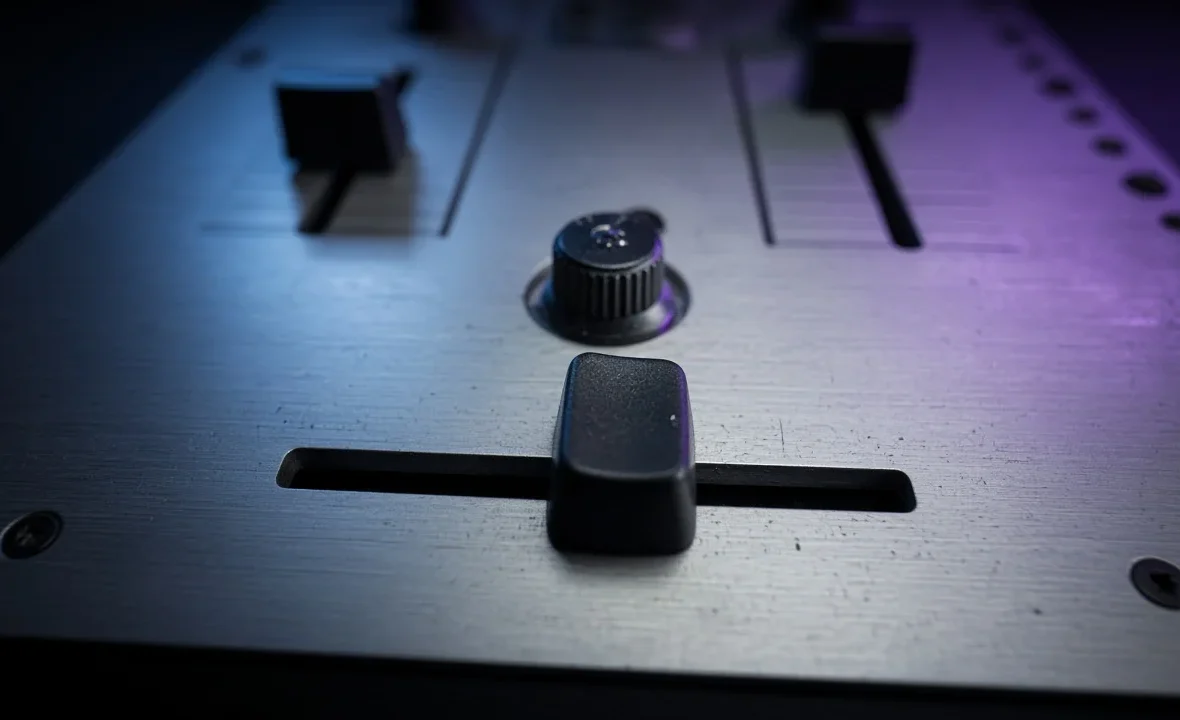
- Find the control. On a club mixer look for a small knob or switch labelled CROSS FADER CURVE, usually near the bottom of the faceplate. On controllers, check the software: rekordbox, Serato and Traktor each expose crossfader settings in their mixer preferences.
- Decide whether you even want the crossfader. Most club mixers have an assign switch per channel (A, Thru, B). Set channels to Thru and the crossfader is ignored completely.
- Test with two looped tracks. Play a kick-only loop on each side, close your eyes, and move the fader slowly. Listen for a dip or a bump in the middle.
- Adjust until it matches your style — smooth for long blends, sharp for cuts — then leave it alone and practise.
For a deeper technical breakdown of crossfader design, see the Wikipedia’s overview of fades and crossfade curves and the mixer manuals on AlphaTheta (Pioneer DJ) support. If scratching is the goal, our beginner scratching guide covers the hand technique.
Common Crossfader Mistakes
| Mistake | What you hear | Fix |
|---|---|---|
| Sharp curve while blending | Both tracks at full volume in the middle — loud, muddy, clipping | Switch to constant power or use channel faders |
| Smooth curve while scratching | Cuts fade in instead of snapping | Set the sharpest curve |
| Crossfader and channel faders both moving | Unpredictable levels | Pick one tool per transition |
| Never checking after another DJ | Your first mix sounds wrong | Check the curve and assign switches when you take over |
Most of these come down to gain staging: if your channel levels are matched first, the curve only has to manage the hand-over between them.
A Note From NaJade
When I started, I mixed everything on the crossfader because that is what I saw in videos. My blends kept sounding like someone was turning the room down for a second in the middle. It took an older DJ in a Sukhumvit bar about ten seconds to spot it: the curve was on the sharpest setting from the previous DJ, who played hip-hop. These days I play progressive house almost entirely on the channel faders with the crossfader set to Thru, and I only touch the curve for a quick cut or two in open-format sets. It is a small knob, but knowing it exists saves you from blaming your own hands for a setting someone else left behind.
Related: how to use a DJ mixer, DJ transition techniques, scratching for beginners, and the DJM-S11 review.
Frequently Asked Questions
What does the crossfader curve knob do?
What crossfader curve is best for house music?
What crossfader curve do scratch DJs use?
Do I need to use the crossfader at all?
Where is the crossfader curve setting on a DJ controller?
Why does my mix get quieter in the middle of the crossfader?
About the Author
NaJade is a Bangkok-based DJ playing progressive house, melodic EDM, pop, and Thai music across clubs, rooftops, and weddings in Thailand. He teaches beatmatching and mixing to beginners both in person in Bangkok and online over Zoom. When he’s not behind the decks, he’s documenting the journey on YouTube, Instagram, and TikTok.