
By NaJade · DJ in Bangkok · Published October 20, 2026
This guide is part of how to learn to DJ: the complete guide.
Positioning, connection order, and the power-on sequence that stops you putting a bang through a room full of people.
Setting up a PA is a procedure, not a skill — do the same steps in the same order every time and it works every time. Get the order wrong and you get a thump through the speakers, a blown tweeter or a night of distortion. The two things that matter most are where the speakers go and what order you switch things on.
Place main speakers on stands above audience ear height and subs on the floor. Connect everything with all power off. Set the mixer’s gain, faders and the speakers’ volume to minimum. Then power on the mixer first and the powered speakers last — and when packing down, reverse it: speakers off first, mixer last.
Step 1 — Positioning
- Put the mixer somewhere secure with a clear view of the whole floor. You can’t read a room you can’t see.
- Main speakers on stands, raised a little above the ears of the audience, angled in toward the crowd.
- Subwoofers on the floor. Low frequencies are non-directional and benefit from floor coupling.
- Speakers in front of the microphone position, never behind it — that’s the main cause of feedback.
- Leave the power off while you position and connect everything.
Step 2 — Connections
- Connect your playback source to the mixer — controller, player, laptop or phone.
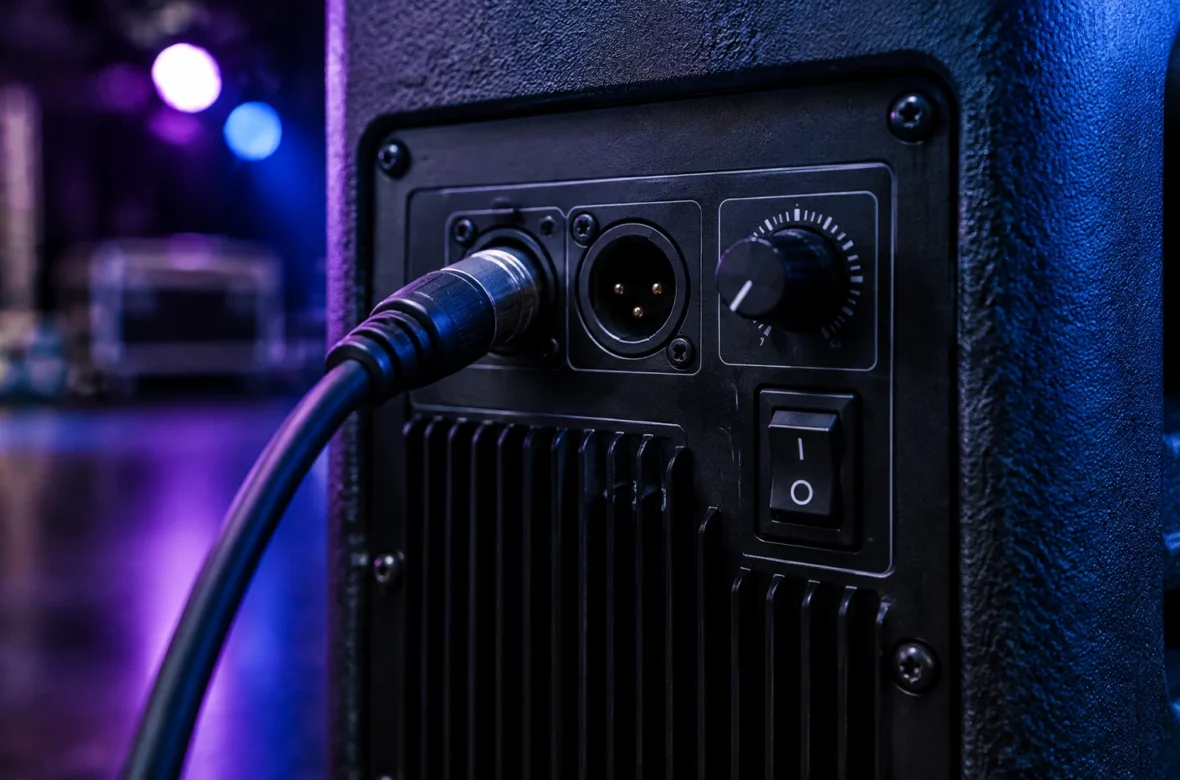
- Connect the mixer outputs to the powered speakers, typically by XLR.
- Prepare power cables for everything, but don’t switch anything on yet.
- Tape down every cable a guest could trip over.
⚠️ One critical detail: DJ mixers are line-level devices with high output. If you plug a DJ mixer into an input set for a microphone, the level will overload and distort. Make sure the input is set to line, not mic. This single mistake accounts for a lot of “why does it sound terrible” at small events.
Step 3 — The Power Order
| Powering up | Powering down |
|---|---|
| 1. Everything at minimum volume | 1. Powered speakers OFF first |
| 2. Mixer ON | 2. Then the mixer |
| 3. Powered speakers ON last | 3. Then unplug |
The reason is simple: switching a mixer on or off sends a transient through its outputs. If the speakers are already live, that transient goes through the PA as a loud bang — unpleasant for the room and genuinely damaging to drivers. Speakers last on, first off. Every time, without exception.
Step 4 — Levels
- Start with the mixer’s gain, channel faders and master at minimum, and the speakers’ own volume at minimum.
- Bring the speakers’ volume up to a sensible working position first — this is your coarse setting.
- Then set levels at the mixer, which is where you’ll work all night.
- Set gain so the loudest part of a track peaks near the top without clipping — see gain staging for DJs.
- Walk the room. What you hear in the booth is not what the back corner hears.
Common Problems
- Distortion: usually a mixer plugged into a mic-level input, or gain pushed too hard.
- Feedback: microphone too close to a speaker, or held too far from the mouth with the level pushed up to compensate.
- Thin sound at the back: speakers too low. This is what stands solve.
- Hum or buzz: often a ground issue or a cable running alongside a power lead. Reroute before you replace.
- Nothing at all: work the signal path from source to speaker, one connection at a time.
A Note From NaJade
I learned the power-order rule the way most people do — by putting an enormous bang through a room while guests were eating. Nothing broke, but the silence afterwards was memorable. The fix is a habit, not knowledge: speakers last on, first off, every single time, until your hands do it without you thinking. The other thing I’d insist on is walking the room before you start. The booth position is almost always the worst-sounding or best-sounding spot in any venue, never the average one, and the only way to know what your audience is getting is to go and stand where they’ll be standing. Two minutes of walking saves an entire night of being slightly too loud or slightly too thin without knowing why.
Related: the mobile DJ equipment guide, gain staging for DJs, using a microphone as a DJ, and DJ hearing protection.
Frequently Asked Questions
What order do you turn on a PA system?
Where should PA speakers be placed?
Why does my DJ mixer sound distorted through the PA?
How do you set levels on a PA system?
Why can’t people at the back hear the music?
How do you troubleshoot no sound from a PA?
About the Author
NaJade is a Bangkok-based DJ playing progressive house, melodic EDM, pop, and Thai music across clubs, rooftops, and weddings in Thailand. He teaches beatmatching and mixing to beginners both in person in Bangkok and online over Zoom. When he’s not behind the decks, he’s documenting the journey on YouTube, Instagram, and TikTok.