
By NaJade · DJ in Bangkok · Published October 20, 2026
This guide is part of how to learn to DJ: the complete guide.
Mixes get shared, ripped and reposted. A good drop makes sure your name travels with them.
A DJ drop — also called a voice tag or sweeper — is a short spoken line with your name or slogan, placed in your mixes, radio shows or set intros. Done well, it’s a quiet piece of branding that tells listeners exactly whose mix they’re hearing. Done badly, it’s the thing people skip. The difference is mostly about length, placement and a little bit of audio processing, and you can make a professional-sounding one for very little money.
To make a DJ drop: write a short line (3–8 seconds) with your DJ name, then record it yourself in a free editor like Audacity, hire a voice-over artist, or use a paid AI voice plan with commercial rights. Add EQ, compression and a little reverb, normalise to −1 dB, export a WAV, and load it into your sampler.
What Makes a Good DJ Drop
- Short. Most drops run three to eight seconds. Anything longer starts to interrupt the music.
- Your name, clearly. If people can’t catch the name, the drop has failed. Pick a name that’s easy to say — see how to choose a DJ name.
- Matches your sound. A booming movie-trailer voice suits big-room or hip-hop. A softer, spoken voice suits melodic and progressive house.
- Two versions. A “dry” voice-only file and a “wet” version with effects, so you can choose per mix.
Simple scripts work best: “You’re listening to NaJade.” or “Live from Bangkok — this is [name].” Write three options and read them aloud; the one that’s easiest to say is usually the right one.
Three Ways to Get Your Drop
| Option | Typical cost | Pros | Watch out for |
|---|---|---|---|
| Record it yourself | Free (plus a decent mic) | Your real voice, unlimited retakes | Room echo and noisy recordings |
| Hire a voice-over artist | About $5–20 per drop on Fiverr; custom rates on Voices.com | Professional voice and production | Check the licence covers your use |
| AI voice generator | Paid plan from a few dollars a month | Fast, many voice styles | Free plans are usually non-commercial |
If you go the AI route, read the terms. ElevenLabs, for example, only allows non-commercial use with attribution on its free plan — commercial rights start with paid plans (ElevenLabs pricing). And never clone a real person’s voice or use celebrity and movie clips: that’s a fast route to a takedown or worse. More on where AI fits in DJing in AI tools for DJs.
Recording and Processing It Yourself
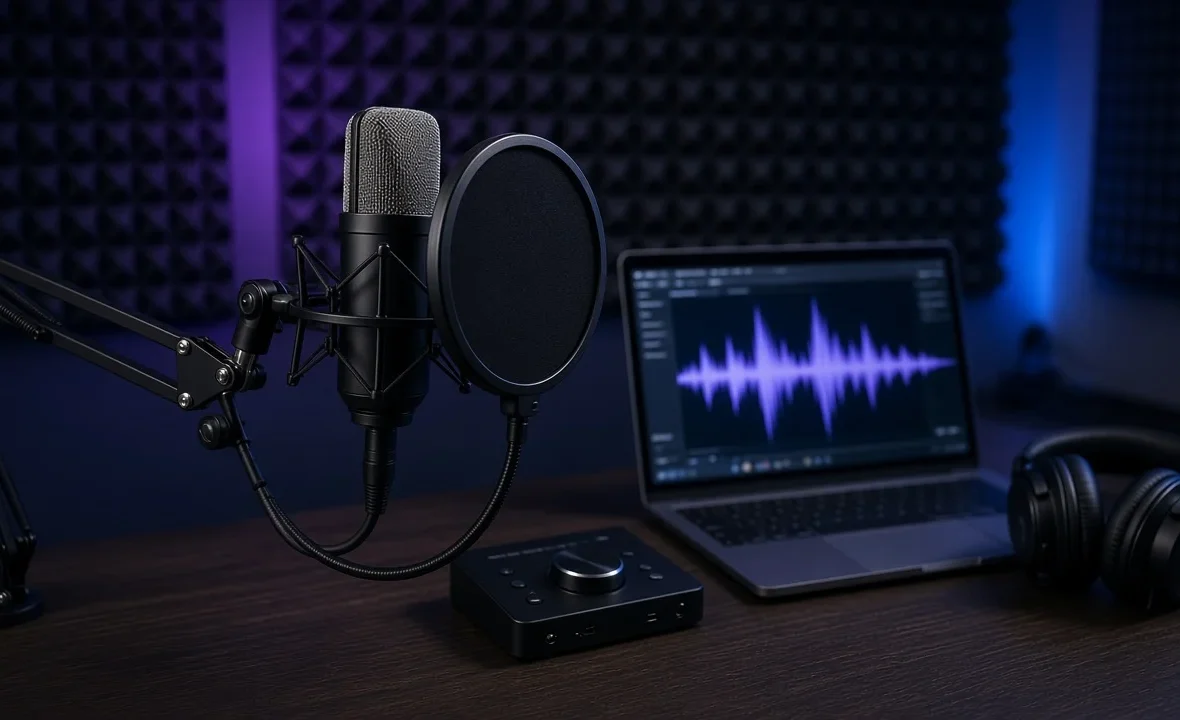
- Find a quiet, soft room. A wardrobe full of clothes beats a bare bedroom. Keep the mic a hand’s width from your mouth.
- Record several takes in Audacity (free), GarageBand (free on Mac) or a REAPER trial. Vary the energy.
- Clean it up. Trim silence, cut low rumble with a high-pass filter around 80–100 Hz, and remove breaths.
- Compress gently so every word sits at a similar level.
- Add character. A short reverb or a delay throw on the last word, and optionally a riser or impact underneath.
- Normalise to about −1 dB peak — Audacity’s Normalize guide explains why you leave that headroom — then export a WAV and an MP3.
If you already speak on the mic at gigs, the same technique applies — see using a microphone as a DJ.
Where to Put Drops in Your Mixes
- At the start of a recorded mix, over the intro of the first track.
- Every 15–20 minutes in a long mix, ideally over a breakdown or an intro — never on top of a vocal.
- On phrase boundaries, so it lands with the music rather than across it.
- Sparingly in live club sets. One at the start of a livestream is plenty; in a club, most DJs skip them entirely.
In software, load the file into a sampler slot and trigger it when you need it. Serato’s sampler loads any library file by drag and drop (with supported hardware connected), and VirtualDJ lets you drag files onto its sampler pads. If you’re building a mix for promoters, keep drops minimal — read how to make a DJ demo mix and how to record a DJ mix first.
A Note From NaJade
My first drop was terrible. I recorded it on my phone in a tiled bathroom, added way too much echo, and dropped it every five minutes. A friend told me, kindly, that it sounded like a radio advert. Now I use one short, quiet tag at the start of a mix and maybe once more in the middle, and that’s it. The music should do the talking; the drop is just a signature at the bottom of the page. If you’re unsure, ask two friends to listen to your mix and tell you whether the drop made them want to skip. Their honest reaction is worth more than any plugin.
Related: building your DJ brand, how to promote yourself as a DJ, where to upload DJ mixes, and how to make a DJ press kit. Official details: loading the Serato sampler.
Frequently Asked Questions
What is a DJ drop?
How long should a DJ drop be?
Can I make a DJ drop for free?
Is it legal to use an AI voice for a DJ drop?
How do I add a DJ drop to my mix?
How often should I use a DJ drop in a mix?
About the Author
NaJade is a Bangkok-based DJ playing progressive house, melodic EDM, pop, and Thai music across clubs, rooftops, and weddings in Thailand. He teaches beatmatching and mixing to beginners both in person in Bangkok and online over Zoom. When he’s not behind the decks, he’s documenting the journey on YouTube, Instagram, and TikTok.