
By NaJade · DJ in Bangkok · Published November 11, 2026
This guide is part of the Pioneer DJ controllers guide.
The pads are the most fun part of a controller, and the part most beginners use for nothing at all.
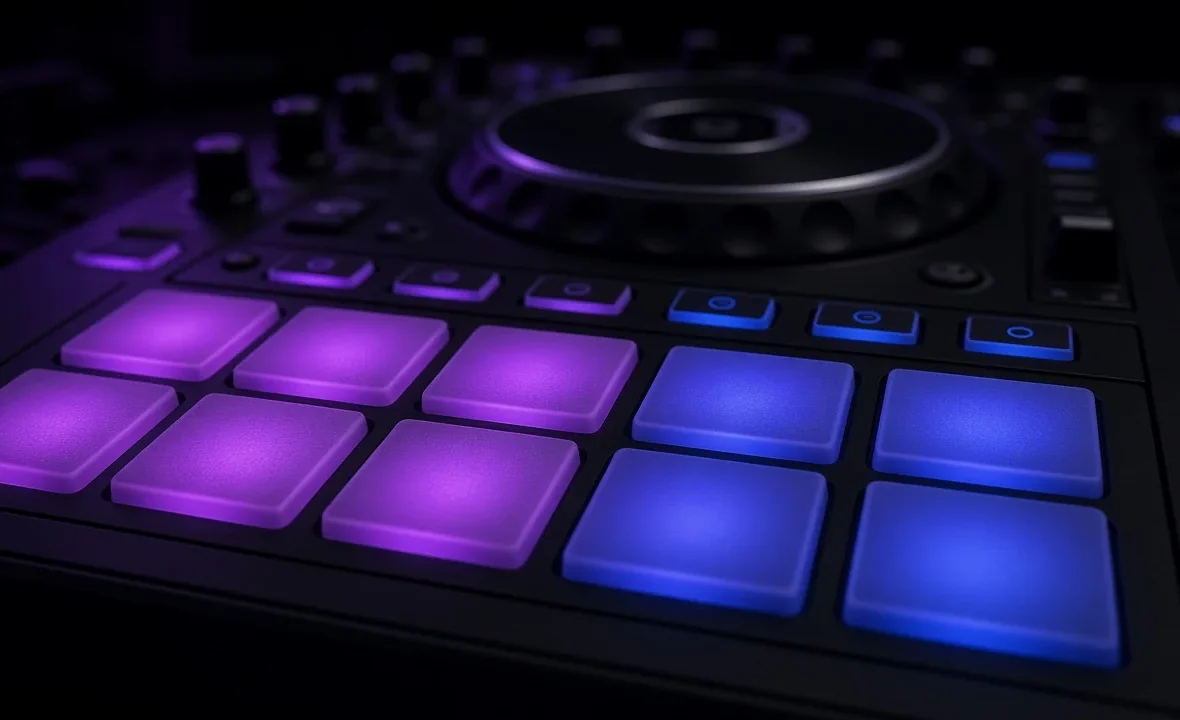
Almost every modern DJ controller has a row of rubber performance pads under each jog wheel — eight per deck on the Pioneer DDJ-FLX4 and most of its rivals. The pads don’t do one thing; they do whatever “mode” you’ve selected, and the same eight buttons can be cue points, effects, loops or a sampler depending on which mode button is lit. Once that clicks, the controller stops looking intimidating.
DJ performance pads are multi-purpose buttons whose job changes with the selected pad mode. Hot Cue mode jumps to saved points, Pad FX triggers effects, Beat Jump skips by beats, Sampler fires one-shots and Loop Roll stutters the track. Learn Hot Cue and Beat Jump first; the rest are seasoning.
How Pad Modes Work
Think of the pads as a blank keypad and the mode buttons above them as the keyboard layout. Press HOT CUE and the eight pads become eight cue points. Press SAMPLER and the same pads now fire samples. On most Pioneer controllers you get four modes directly and four more by holding SHIFT while pressing a mode button.
The pads only send messages to your software, so what each mode actually does depends on rekordbox, Serato or whichever app you run. That’s why two DJs with the same controller can describe the pads completely differently.
Every Common Pad Mode, Explained
| Mode | What the pads do | Best for |
|---|---|---|
| Hot Cue | Save a point in the track, then jump to it instantly | Skipping intros, quick drops, cue juggling |
| Pad FX | Hold a pad to apply an effect, release to stop | Short echo or reverb throws |
| Beat Jump | Move the playhead forward or back by a set number of beats | Fixing phrasing, skipping dead sections |
| Sampler | Trigger loaded one-shots or loops | Air horns (sparingly), vocal tags, drops |
| Loop Roll | Hold for a stuttering loop that snaps back when released | Build-ups and fills |
| Auto / Beat Loop | Set a loop of a fixed beat length with one press | Extending outros to mix out |
| Key Shift / Pitch Play | Change the key, or play a cue point at different pitches | Harmonic fixes and creative tricks |
Hot cues deserve their own deep dive — see what hot cues are and how to set them. The same goes for beat jump, the DJ sampler and loops.
The DDJ-FLX4 as an Example
The DDJ-FLX4 is the controller most beginners in Bangkok start on, so it’s a useful reference. It has four direct mode buttons — HOT CUE, PAD FX, BEAT JUMP and SAMPLER — with secondary modes on SHIFT. In rekordbox those shifted modes include Keyboard, a second Pad FX bank, Beat Loop and Key Shift.
In Serato, the free version limits what the pads can do. According to Serato’s DDJ-FLX4 guide for DJ Lite, you get six pad modes and only pads 1–4 trigger hot cues and samples. The Serato DJ Pro version opens all eight pads and adds Pitch Play and Key Shift, both of which need the Pitch ‘n Time DJ expansion.
| Feature | Serato DJ Lite | Serato DJ Pro |
|---|---|---|
| Hot cues | Pads 1–4 | Pads 1–8 |
| Pad FX | Hold-to-apply on pads 1–4 | Hold on 1–4, toggle on 5–8 |
| Sampler | Pads 1–4 | Pads 1–8 |
| Loop Roll / Auto Loop | Yes | Yes |
| Pitch Play / Key Shift | Not listed | Yes, with Pitch ‘n Time DJ |
If the limits on Lite start to annoy you, that’s the real upgrade signal. More on that in Serato DJ Lite vs Pro, and on the hardware itself in the DDJ-FLX4 review.
Which Pad Modes to Learn First
- Hot Cue. Set cue 1 on the first downbeat, cue 2 on the breakdown and cue 3 on the drop of every track you play. This alone makes mixing faster and safer.
- Beat Jump. When you realise you’re mixing on the wrong phrase, a 16- or 32-beat jump fixes it without anyone noticing.
- Auto Loop. A four- or eight-beat loop on an outro buys you time when the next track isn’t ready.
- Pad FX and Loop Roll. Add these last, and use them less than you think. One well-timed echo out beats ten random ones.
The sampler is the mode most often abused. A siren over every drop gets old within a song; a short vocal tag at the right moment gets remembered. For more on taste with effects, read how to use DJ effects.
Common Mistakes With Pads
- Setting cues without a grid. If the beat grid is off, quantised hot cues land in the wrong place. Fix the grid first.
- Forgetting which mode is lit. Hitting what you think is a hot cue but is actually the sampler is a classic live mistake. Glance at the mode button before you press.
- Deleting cues by accident. SHIFT plus a lit pad usually clears that cue. Practise this at home so it never surprises you at a gig.
- Buying a controller just for pads. Every beginner controller has them. Pick on build, jog wheels and software instead — see the best DJ controller for beginners.
A Note From NaJade
When I teach in Bangkok, the first lesson almost always ends with a student tapping the pads and asking what they’re for. I tell them to ignore everything except hot cues for the first month. That sounds boring, but it’s how I learned, and it’s still how I play most of the time — three or four cues per track, set the night before, and the occasional beat jump to tidy a phrase. The flashy pad tricks you see online are built on that boring foundation. I do use Pad FX, mostly a short echo to close a track, but if you watched a whole set of mine you’d probably count them on one hand. The pads are a tool for control first and showmanship second.
Related: hot cues explained, how to use beat jump, the DDJ-FLX4 review and Serato DJ Lite vs Pro. Third-party mapping details: Mixxx DDJ-FLX4 manual.
Frequently Asked Questions
What are performance pads on a DJ controller?
Which pad mode should a beginner DJ learn first?
What is the difference between Pad FX and normal DJ effects?
Do all eight pads work in Serato DJ Lite?
What does the SHIFT button do with pad modes?
Are performance pads necessary for DJing?
About the Author
NaJade is a Bangkok-based DJ playing progressive house, melodic EDM, pop, and Thai music across clubs, rooftops, and weddings in Thailand. He teaches beatmatching and mixing to beginners both in person in Bangkok and online over Zoom. When he’s not behind the decks, he’s documenting the journey on YouTube, Instagram, and TikTok.