
By NaJade · DJ in Bangkok · Published November 5, 2026
This guide is part of how to learn to DJ: the complete guide.
One knob, two directions, and more ways to ruin a transition than any other control on the mixer.
Almost every DJ mixer and controller made in the last fifteen years has a filter knob on each channel, usually sitting just below the EQs. It looks simple — and it is — but the difference between a filter that sounds professional and one that sounds like a beginner is almost entirely about restraint and timing. This guide covers what the knob actually does, how to use it in a mix, and when to leave it alone.
A DJ filter removes frequencies from a track. Turn it left (low-pass) and the highs disappear until only muffled bass remains; turn it right (high-pass) and the bass drops away until only thin hats and vocals are left. Use it slowly, over 8–32 bars, to bring tracks in or take them out — then return it to centre.
What the Filter Knob Actually Does
Most DJ mixers use a single “bipolar” filter knob per channel. At 12 o’clock it does nothing. Turning it in either direction applies one of two filters:
| Direction | Filter type | What you hear | Typical use |
|---|---|---|---|
| Left | Low-pass (LPF) | Highs removed — muffled, “next room” sound | Building tension, fading a track into the background |
| Right | High-pass (HPF) | Bass removed — thin, bright, airy | Bringing a track in without clashing basslines |
| Centre | Off | The track as produced | Where the knob should be most of the time |
In technical terms, a low-pass filter lets frequencies below a cutoff point through and rolls off everything above it; a high-pass filter does the opposite. Turning the knob moves that cutoff point. Many mixers also add a little “resonance” — a boost right at the cutoff — which gives the classic sweeping, whistling sound.
On some gear the filter lives in the effects section instead (often called “Sound Color FX” on Pioneer DJ and AlphaTheta mixers and controllers). It works the same way: one knob per channel, centre is off.
Filter vs EQ: Which Should You Use?
Beginners often ask why they need a filter when the EQ already has low, mid and high knobs. The two do overlapping jobs, but they feel very different:
- EQ cuts a fixed band. Turning the low EQ down removes the bass and leaves everything else. It’s precise and great for swapping basslines between two tracks. More in how to use EQ when DJing.
- The filter sweeps. As you turn it, the cutoff moves across the whole spectrum, so the track gradually changes character. That movement is the point — it creates a sense of motion and anticipation.
- Use EQ for mixing, the filter for drama. A clean house blend can be done with EQ alone. The filter is the seasoning you add on top, not the main ingredient.
Four Filter Transitions Worth Learning
- High-pass in. Start the incoming track with the filter turned well right so only the hats and percussion come through. Over 16 or 32 bars, bring the knob back to centre while you swap the low EQs. The bass arrives on a phrase change and the blend feels seamless.
- Low-pass out. On the outgoing track, slowly turn the filter left over 16 bars as the new track takes over. The old record seems to drift away into the next room rather than being chopped off.
- The breakdown sweep. Before a big drop, turn the low-pass slowly to around 9 o’clock through the last 8 bars of a breakdown, then snap it back to centre exactly on the drop. Do this once a night, not once a track.
- The quick wash. For a fast cut between very different tracks, high-pass the outgoing track hard over 4 bars, add a short echo or reverb, then drop the new track in clean. It hides a key or tempo clash.
Every one of these depends on counting phrases. If you sweep the filter for 13 bars and land in the middle of a phrase, it sounds like a mistake. Brush up on counting bars and phrases and pair these with the other DJ transition techniques.
The Mistakes That Make Mixes Sound Thin
| Mistake | What the crowd hears | Fix |
|---|---|---|
| Leaving the filter on | A thin or muffled track for minutes | Always return to centre after a transition |
| Sweeping every mix | The same “whoosh” over and over | Save the big sweeps for key moments |
| Turning too fast | A jarring jump, not a sweep | Spread it over at least 8 bars |
| Filter plus heavy gain | Harsh resonance and clipping | Check levels — see gain staging for DJs |
| High-passing both tracks | No bass at all on the floor | Only one track should lose its low end at a time |
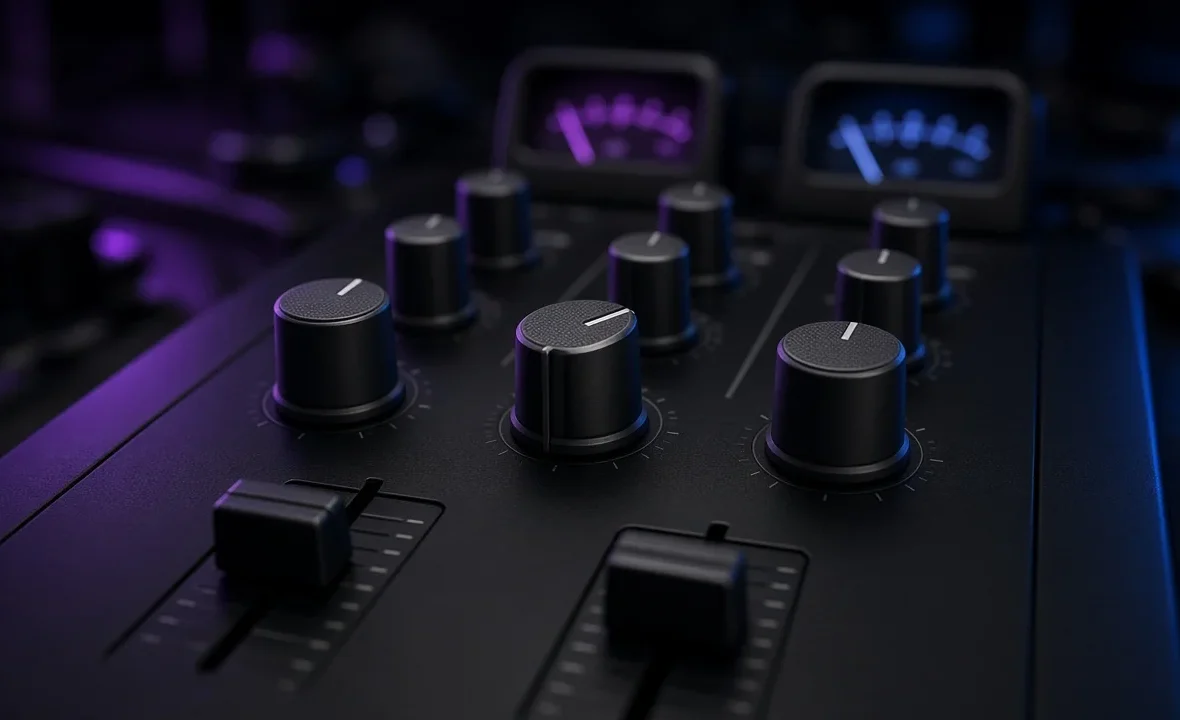
A good habit: glance at the filter knobs every time you finish a mix, the same way you check the crossfader. On a dark club mixer it is very easy to leave one sitting at 2 o’clock and wonder why the room feels flat.
Practising the Filter at Home
Load two tracks in the same key and tempo and practise each of the four transitions above until you can do them without looking at the knob. Record yourself and listen back on a decent pair of headphones and on your phone speaker — a filter move that sounds great in headphones can disappear entirely on small speakers. If you’re still learning the layout, start with how to use a DJ mixer, then move on to the wider world of DJ effects.
A Note From NaJade
When I started playing out in Bangkok, I filtered everything. Every transition had a sweep, every breakdown had a low-pass, and I thought it made me sound like the DJs I watched online. Then a bar manager on Sukhumvit told me, kindly, that the music kept “going underwater”. He was right — I was using the filter because it was fun to turn, not because the track needed it. These days most of my progressive house blends are pure EQ, and I keep the filter for maybe three or four moments in a two-hour set: a breakdown I want to stretch, a track that needs to leave quietly, a big drop I want the room to feel coming. Used like that, people actually notice it. Used constantly, it just becomes noise.
Related: how to use EQ when DJing, DJ transition techniques, how to use DJ effects, and how to mix two songs together.
Frequently Asked Questions
What does the filter knob do on a DJ mixer?
Which way should I turn the DJ filter?
Is it better to use the filter or the EQ when mixing?
How long should a filter sweep last?
Why does my mix sound thin after a transition?
What is resonance on a DJ filter?
About the Author
NaJade is a Bangkok-based DJ playing progressive house, melodic EDM, pop, and Thai music across clubs, rooftops, and weddings in Thailand. He teaches beatmatching and mixing to beginners both in person in Bangkok and online over Zoom. When he’s not behind the decks, he’s documenting the journey on YouTube, Instagram, and TikTok.