
By NaJade · DJ in Bangkok · Published October 20, 2026
This guide is part of how to learn to DJ: the complete guide.
Promoters don’t book the best DJ. They book the DJ they can check out in thirty seconds.
Social media is great for being seen, but it’s a messy place to make a booking decision. A website gives promoters, venues and couples planning a wedding one clean page with your sound, your story and a way to contact you. It also shows up on Google when someone searches for a DJ in your city — something an Instagram profile rarely does. You don’t need to be a designer to build one. You need the right five pages and a weekend.
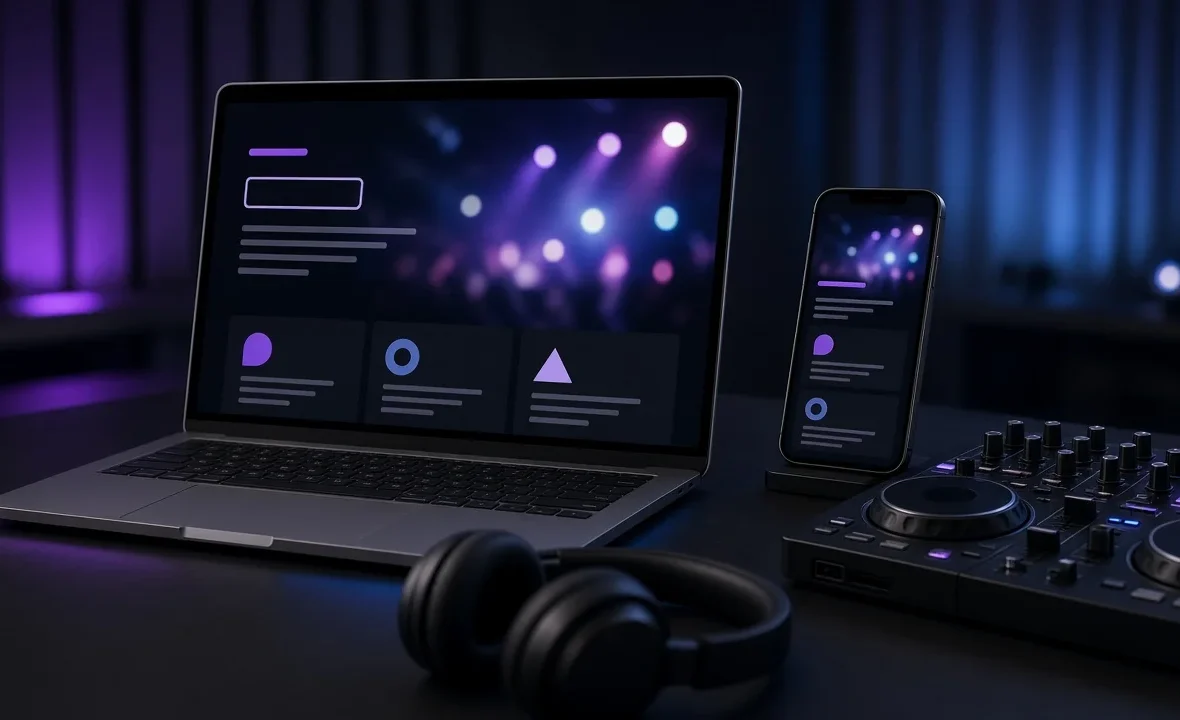
To make a DJ website, buy a domain with your DJ name, pick a simple builder such as Squarespace, Wix or WordPress, and build five essentials: a homepage that says who you are and where you play, embedded mixes, good photos, a downloadable press kit, and a clear booking form. Keep it fast, mobile-friendly and updated.
What a DJ Website Must Include
| Page or section | What goes on it | Why it matters |
|---|---|---|
| Homepage | Your name, style, city and one strong photo | Answers “who is this?” in five seconds |
| Mixes | 2–3 embedded mixes from SoundCloud, Mixcloud or YouTube | Promoters book on sound, not words |
| About | A short bio, notable gigs and residencies | Builds trust and context |
| Press kit (EPK) | Bio, high-res photos, logo, tech rider | Saves promoters from chasing you |
| Events / services | Upcoming gigs, or wedding and corporate packages | Shows you’re active and bookable |
| Contact / booking | A short form plus email, WhatsApp or LINE | Turns visitors into bookings |
If you don’t have a press kit yet, start with how to make a DJ press kit, and if you need something to embed, see how to make a DJ demo mix and where to upload DJ mixes.
Step by Step: Building It
- Lock in your name. Make sure your DJ name is consistent everywhere before you buy anything — how to choose a DJ name helps if you’re still deciding.
- Buy a domain. Ideally yourname.com or djyourname.com. A typical .com costs around US$10–20 a year.
- Choose a platform (compared below) and pick a clean, dark or minimal template. Don’t overthink design.
- Write the homepage headline first. Something like “Melodic house DJ in Bangkok for clubs, rooftops and weddings.” Clarity beats cleverness.
- Embed your best mixes. Two or three, with your strongest one first.
- Add photos. Real gig photos with a crowd, plus one or two clean portraits. No blurry phone shots.
- Build the booking page with a short form: date, venue or event type, location and budget.
- Test on your phone. Most visitors will see it on mobile. If it’s slow or fiddly there, fix that first.
Which Platform Should You Use?
| Platform | Good for | Trade-offs |
|---|---|---|
| Squarespace | Beautiful templates with little effort | Paid plans from around US$19/month billed yearly; less flexible |
| Wix | Drag-and-drop freedom, lots of DJ templates | Easy to make cluttered; free plan shows ads |
| WordPress (self-hosted) | Full control, blogging and SEO | You manage hosting, updates and plugins |
| Link-in-bio pages | A quick start in an afternoon | Not a real website; limited for search |
Check current pricing directly, as plans change — for example on Squarespace’s pricing page. If you want to blog about gigs, gear or your city over time, WordPress gives you the most room to grow. Wix also has a useful walkthrough in its guide to creating a DJ website.
Getting Found on Google
A beautiful site that no one finds won’t get you booked. A few basics go a long way:
- Say where you play. Put your city and style in your page titles and headings — “Wedding DJ in Bangkok”, not just “Home”.
- Give every page a clear title and description. These are what appear in search results.
- Add written content. Embedded mixes alone give search engines very little to read. A short bio, event pages and blog posts help.
- Keep it fast. Compress images and avoid autoplaying video.
- Link everything together. Your Instagram, SoundCloud and Mixcloud should all link back to your site.
Google’s own Search Central documentation explains the fundamentals clearly and is free. For the bigger picture of getting your name out, read how to promote yourself as a DJ and how to build your DJ brand.
Mistakes to Avoid
- No clear way to book you. If a promoter has to hunt for your email, they’ll book someone else.
- Outdated events. A gig list that stopped two years ago makes you look inactive. Remove it rather than leave it stale.
- Too much text, too few mixes. Sound first, story second.
- Prices that confuse people. Either show clear starting packages or invite people to ask — see how much a DJ should charge.
- Forgetting your local channels. In Thailand many clients would rather message on LINE or WhatsApp than fill in a form. Offer both.
A Note From NaJade
For years I thought my Instagram was enough. Then a wedding planner told me she’d almost not booked me because she couldn’t find my packages or a way to contact me without sliding into my DMs. That week I built my first proper site. It wasn’t fancy — just my mixes, real photos from Bangkok gigs, a short bio and a booking form — but enquiries started arriving from people who’d simply searched for a DJ in Bangkok. My advice is to keep it simple, keep it updated, and treat it like your shop window. Social media brings people to the door; the website is where they decide to book.
Related: how to make a DJ press kit, how to promote yourself as a DJ, building your DJ brand, and how to get DJ gigs.
Frequently Asked Questions
Do DJs need a website?
What should a DJ website include?
What is the best website builder for DJs?
How much does a DJ website cost?
How do I get my DJ website on Google?
Should I put my DJ prices on my website?
About the Author
NaJade is a Bangkok-based DJ playing progressive house, melodic EDM, pop, and Thai music across clubs, rooftops, and weddings in Thailand. He teaches beatmatching and mixing to beginners both in person in Bangkok and online over Zoom. When he’s not behind the decks, he’s documenting the journey on YouTube, Instagram, and TikTok.