
By NaJade · DJ in Bangkok · Published November 11, 2026
This guide is part of how to learn to DJ: the complete guide.
It’s the biggest control on the deck, and most beginners use it wrong — gripping the top when they should be brushing the side.
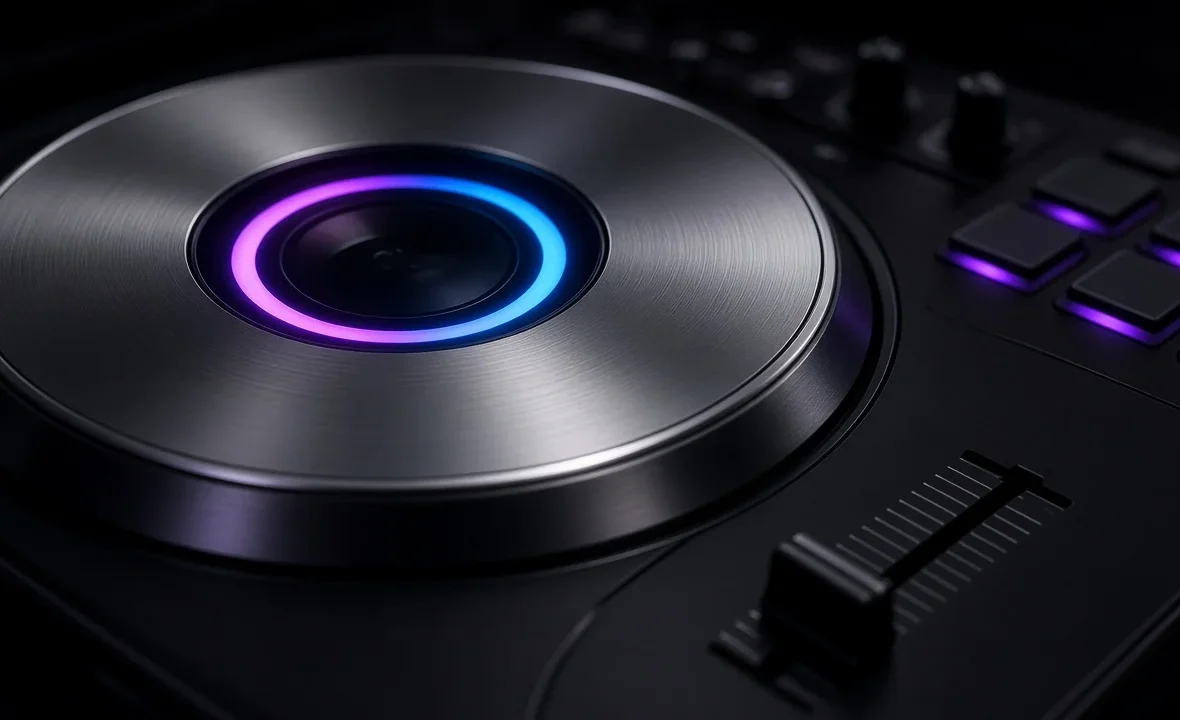
Every DJ controller, CDJ and all-in-one system has a jog wheel: the large round platter in the middle of each deck. It’s modelled on the vinyl turntable, and it does three main jobs — nudging a track back into time, scrolling to a cue point, and scratching. Learning which part of the wheel to touch, and when, is one of the first skills that makes beatmatching click.
A jog wheel is the round platter on each deck of a DJ controller or CDJ. Touching the top (in vinyl mode) grabs the track like a record for scratching or cueing; turning the outer edge speeds it up or slows it down slightly to nudge a mix back in time. Adjust sensitivity and use the side for small corrections.
What a Jog Wheel Does
A jog wheel sends movement data to your DJ software or player, which then changes the playback of that deck. How it reacts depends on where you touch it and which mode it’s in.
| Action | What happens | When to use it |
|---|---|---|
| Touch the top (vinyl mode on) | Track stops or follows your hand, like a record | Scratching, finding a cue, backspins |
| Spin the outer edge | Track speeds up or slows down slightly while playing | Nudging a mix back into time |
| Spin with deck paused | Scrolls through the track in small steps | Setting precise cue points |
| Shift + spin (many controllers) | Fast search through the track | Jumping to a section quickly |
The outer edge is the part most beginners ignore. When two tracks start to drift apart during a mix, a gentle push or pull on the side corrects the phase without stopping the music — the same thing vinyl DJs do by touching the side of the platter. More on this in the beginner’s guide to beatmatching.
Vinyl Mode vs CDJ Mode
Most jog wheels have a vinyl mode switch (sometimes labelled VINYL or just a button near the wheel).
- Vinyl mode on: the top surface is touch-sensitive. Press it and the track holds; move it and the track follows, like scratching a record.
- Vinyl mode off (CDJ mode): the top no longer grabs the track. Turning the wheel only bends the pitch slightly, which is safer if you tend to touch the platter by accident.
If your track keeps stopping when you rest a hand on the deck, vinyl mode is on. For scratching you’ll want it on; for smooth house and progressive mixing, many DJs leave it on but only ever touch the side.
How to Nudge a Mix Back Into Time
- Listen for the drift. If the kicks start to “flam” — sounding like two hits close together — the tracks are out of phase.
- Work out which one is ahead. Gently slow the incoming track by touching the side; if it gets worse, speed it up instead.
- Use small movements. A short brush on the outer edge is enough. Big spins throw the mix further out.
- Fix the tempo, not just the phase. If you keep nudging the same way, adjust the pitch fader slightly so the BPMs truly match.
Sync handles this automatically, but knowing how to nudge means you can recover when a beat grid is wrong — see should DJs use sync and how to fix beat grids in rekordbox.
Jog Wheel Sizes and Settings
| Type | Typical size | Found on |
|---|---|---|
| Small | Compact, a few inches across | Entry-level controllers like the DDJ-FLX4 and DDJ-FLX2 |
| Full-size | Close to CDJ size | Pro controllers and CDJs such as the CDJ-3000 |
| Motorised platter | Spinning 7-inch platter | Controllers like the Rane One and Rane Performer |
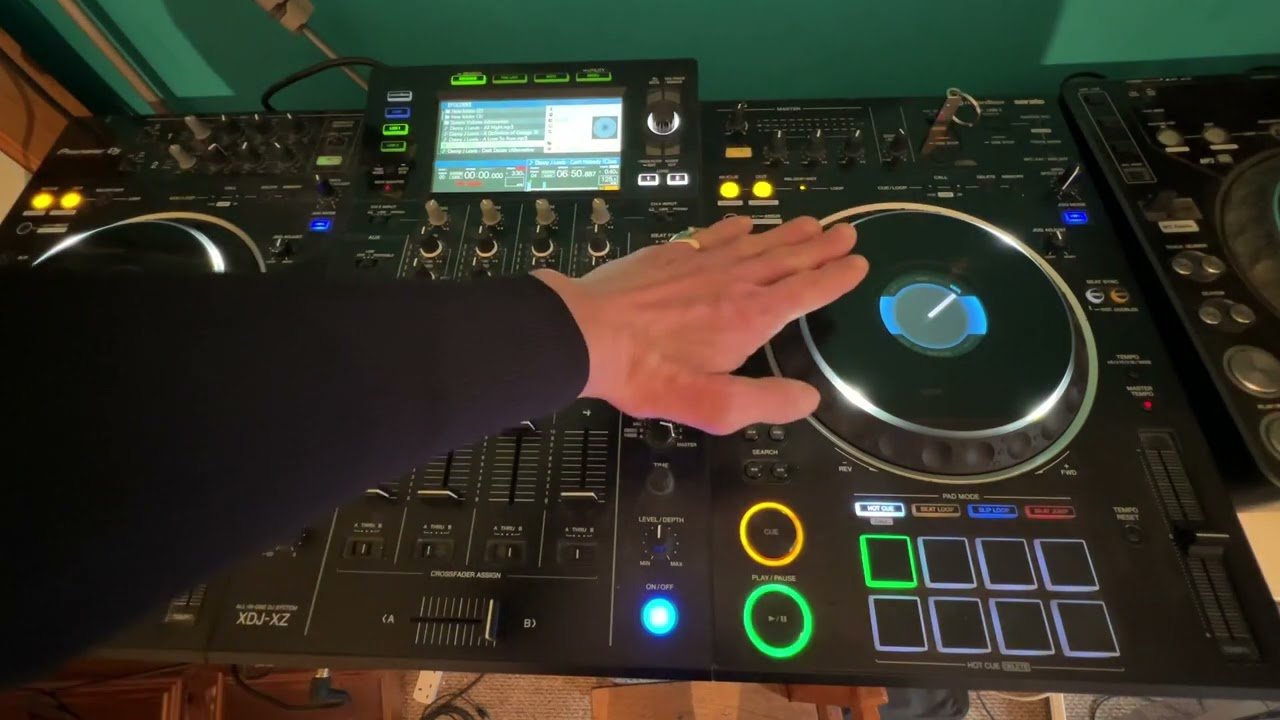
Two settings make a big difference: jog sensitivity (how far the track moves per turn) and, on CDJs, jog adjust (how heavy the wheel feels). In most DJ software you’ll find jog options in the preferences or the controller’s settings utility, and the rekordbox site has manuals for each controller. Some decks also show a jog display in the centre with a playhead or artwork.
Keep the wheel clean — sticky platters cause false touches. See how to clean a DJ controller. The wider history of these devices is on Wikipedia’s DJ controller page.
A Note From NaJade
When I started, I treated the jog wheel like a steering wheel — both hands on top, pushing hard every time a mix drifted. Every correction made it worse. The moment a teacher showed me to just brush the side with one finger, beatmatching started to make sense. Now, when I teach students in Bangkok, it’s one of the first things I show them: top for holding, side for nudging, and small movements always. On the club CDJs I also check the jog adjust before my set, because the last DJ might have left it heavy or loose. It takes five seconds and saves a lot of fighting with the platter.
Related: how to beatmatch, how to use CDJs, the pitch fader explained, the best DJ controller for beginners, and Pioneer DJ controllers.
Frequently Asked Questions
What is a jog wheel on a DJ controller?
Should I touch the top or the side of the jog wheel?
What does vinyl mode do?
Why does my track stop when I touch the jog wheel?
How do I adjust jog wheel sensitivity?
Do I need jog wheels if I use sync?
About the Author
NaJade is a Bangkok-based DJ playing progressive house, melodic EDM, pop, and Thai music across clubs, rooftops, and weddings in Thailand. He teaches beatmatching and mixing to beginners both in person in Bangkok and online over Zoom. When he’s not behind the decks, he’s documenting the journey on YouTube, Instagram, and TikTok.